
Home Work Process
Our Website Maintenance Process
Most owners find out something is broken when a customer tells them. This is the routine that finds it first.
How We Maintain Your Website for Maximum Revenue Stability

Review Your Site
We check your entire website and save its current state, so we can spot and do changes quickly anytime
- A restore point saved before anything is touched
- Plugin, theme and platform versions checked and noted
- Speed, forms and the obvious risks noted as the starting point
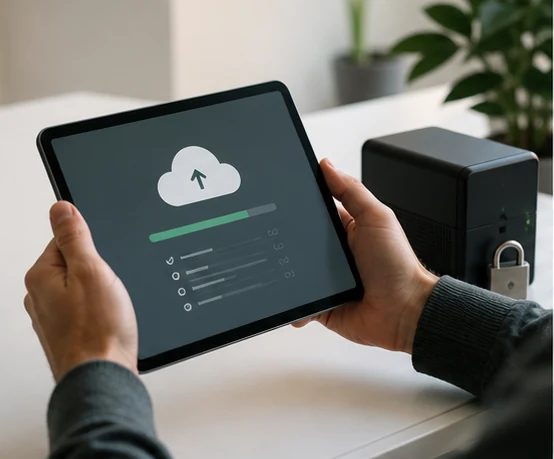
Secure Your Data
Your website files and settings are safely backed up in remote storage, ready to restore if anything goes wrong.
- Your files and database copied to storage away from the server
- The backup confirmed readable, not simply reported as finished
- Restored for you if it is ever needed, rather than handed over

Test Everything
We test your website on phones, tablets, and computers to make sure all pages and links work perfectly.
- Every page opened on a phone, a tablet and a desktop
- Your lead form submitted, and the email confirmed to arrive
- Checkout and the buttons that earn followed all the way through

Keep It Updated
We update all your website tools and settings regularly, keeping it fast, secure, and smooth for every visitor.
- Core, plugins and themes updated one group at a time, not blind
- The site opened again afterwards to confirm nothing broke
- If an update could break something, we stop and tell you first
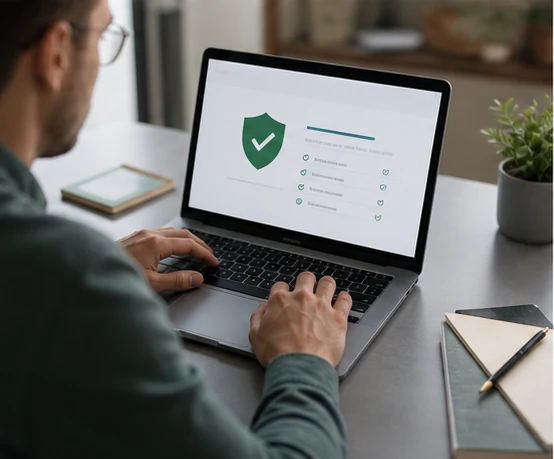
Scan for Threats
We scan your website for harmful files or attacks and take the necessary steps to identify them before they cause performance or safety issues.
- Files scanned for malware and for changes you did not make
- Vulnerable plugin and theme versions flagged with what they expose
- What the scan finds is cleaned, or explained in plain language

Share Website Health Reports
You receive a short and easy-to-read report each month showing what needs to be updated and improved on your site.
- What was updated, what was tested, what was found
- Written so you can read it without knowing what a plugin is
- The report is yours to keep, whether you stay with us or not
Free audit
Find out what is broken on your site.
Send us your website address. We look, and we send you what we find.
- Checked by a person, not a script
- Usually back within a day
- Your details stay with us
Prefer to talk? (716) 245-7243

$25/mo keeps the path from visitor to customer watched